




Abstract
The use of virtual learning communities has shown great potential for language education. Research suggests that video-conferencing technology can assist teachers in creating such communities for second-language teaching. Gather.Town is a gamified, video-conferencing platform that revolutionizes the traditional static video-conferencing experience for language learners. It provides users with a 2D map with avatar-based game features utilizing proximity-based video-conferencing functionality which enhance student online engagement and promote interaction that resembles real-life conditions. Gather.Town has received increasing attention from educational researchers since its launch in May 2020; however, its adoption in language classrooms has not yet been explored. This review paper aims to introduce Gather.Town to language teachers and researchers to enhance student engagement in virtual learning communities.
Keywords
Introduction
Virtual learning communities (VLC) have become increasingly popular among English-language learners. Research indicates that such communities create informal learning environments that enhance language learners’ motivation, oral proficiency and communicative competence (Mitchell, 2021). Recently, teachers have used digital technologies (e.g. Google Meet) to create VLC for language learners (Putra, 2021); however, such virtual environments are often too formal and can inhibit interaction among students (Zhao et al., 2021). Gather.Town is a proximity-based video-conferencing (VC) platform that combines 2D game-like features with VC functionality (https://gather.town). This technology has been particularly well received by educators in online synchronous sessions since its launch in May 2020 (McClure and Williams, 2021). By using an avatar in a 2D map, users can interact with each other through built-in games, multimedia materials (e.g. video recording, whiteboards) and proximity-based VC (i.e. VC features triggered by close-proximity between avatars), as well as sharing documents and direct messaging, all within an informal environment. These features allow teachers to create various scenes that resemble real-life experiences, which are essential for promoting situated learning opportunities for language learners (Catalano, 2015; Henning, 2004). As a recently launched technology, its adoption in language classrooms has not yet been explored. This review paper aims to introduce Gather.Town to language teachers to enhance student engagement. It will provide an overview of the technology and address its pedagogical benefits and limitations. It is important to note that this review is on the free version of Gather.Town.
Overview
To use Gather.Town, a teacher needs to register with a free account. Once registered, educators have the option to adopt an existing template map (Figure 1), while more confident users can customize their own to create a novel learning environment.
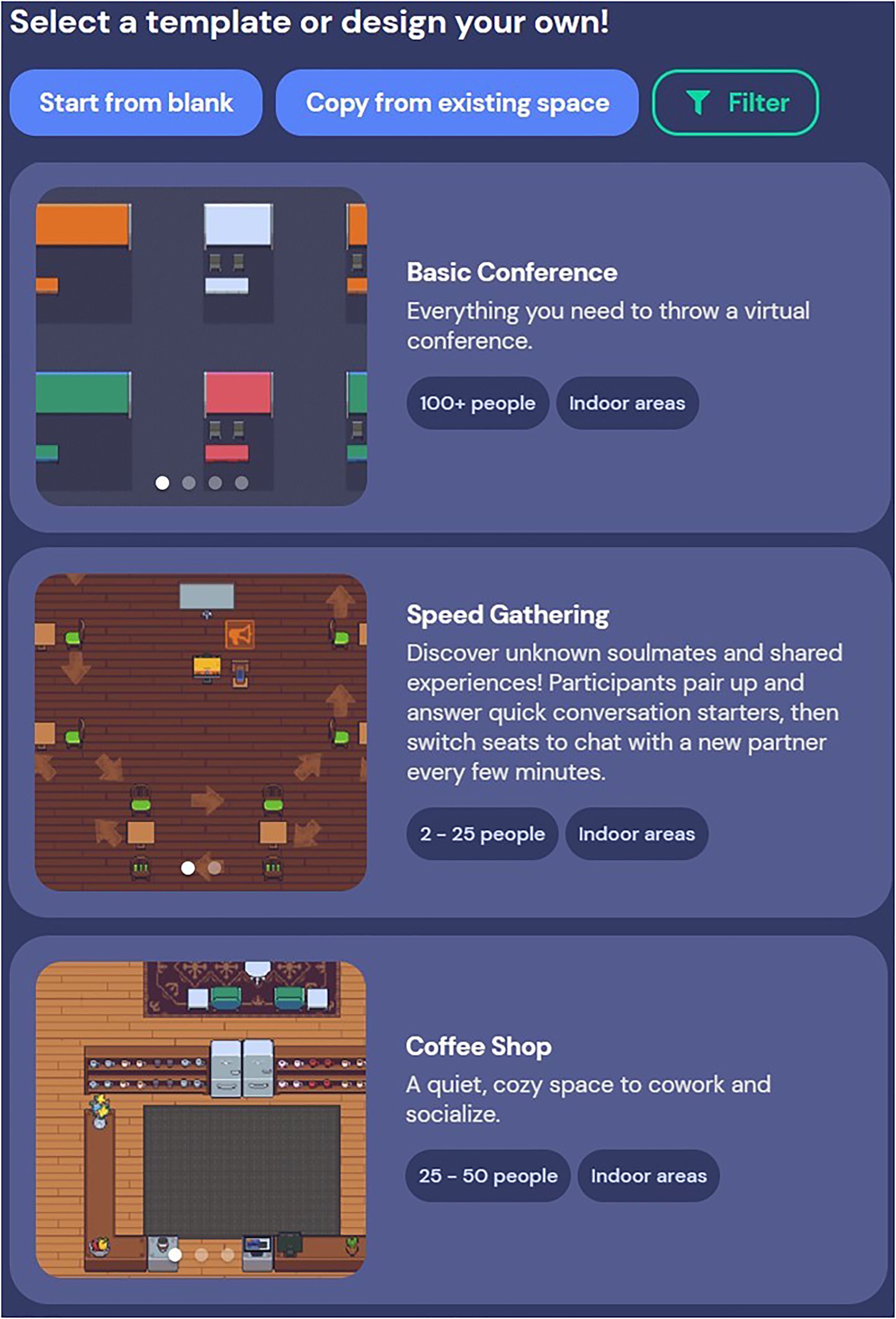
Three examples of the variety of pre-designed ‘maps’ available to educators to directly use as their learning environments, or to customize to suit their teaching needs (screenshot taken from Gather. Town, 2022 [https://gather.town]).
The various maps allow learners to practice language in different environments (e.g. school, hospital), each of which offers a wide range of built-in features which can be used to increase their interactivity. These include adding furniture (e.g. banners, plants, bookshelves) and games (e.g. piano, drawing battle), as well as a variety of educational features (e.g. poster, podium, TVs) to promote interactions and community building. Teachers can also embed resources, such as video recordings, documents or websites within the virtual environment, or link to them externally via objects, for students to interact with in a self-directed manner (Figure 2). These virtual environments can be co-created by educational teams, and, once completed, can be accessed by students via a link, which can be either password-protected or not.
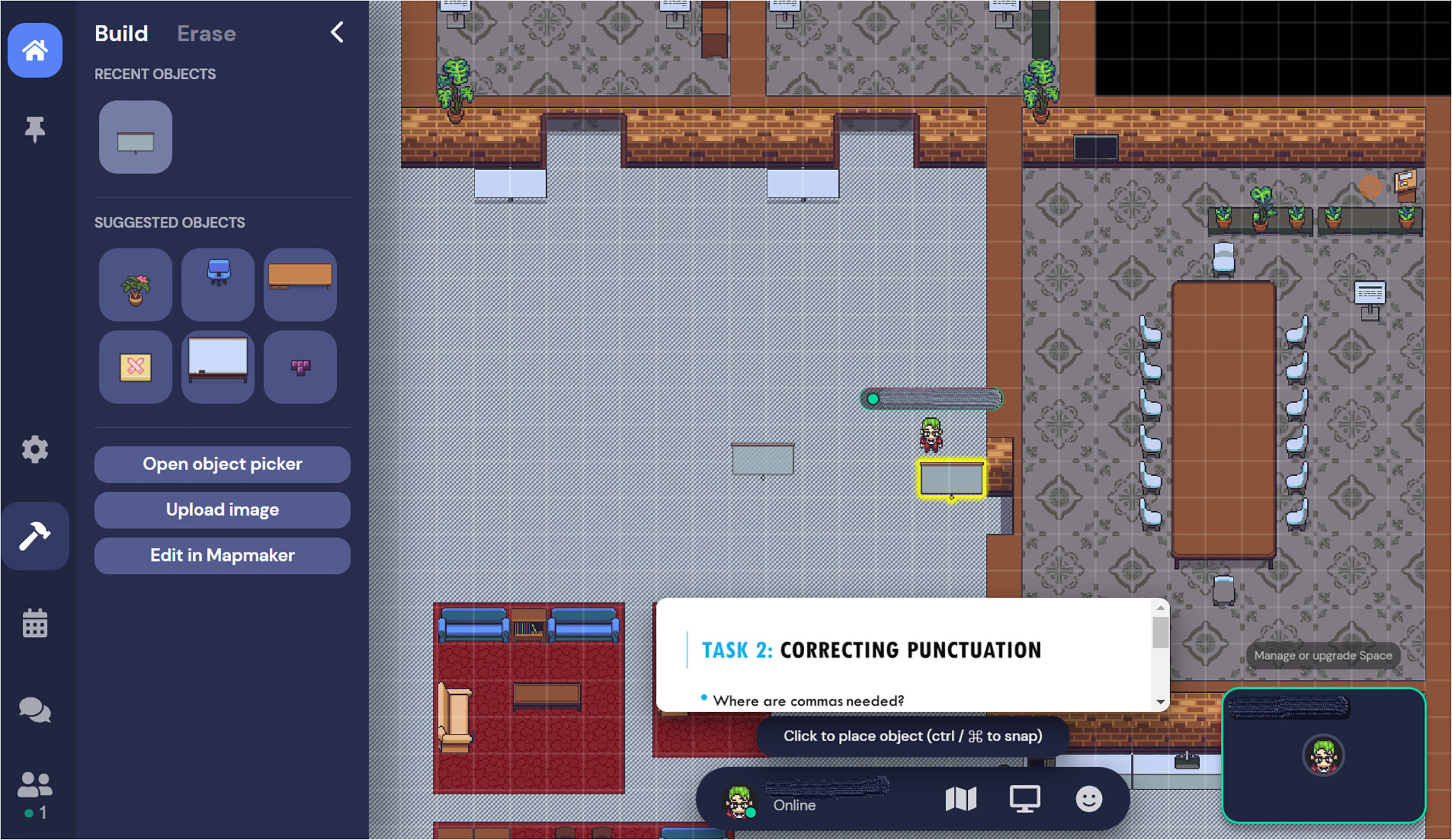
Snapshot of the ‘Build’ function in a pre-designed Gather.Town map demonstrating how the user can add various objects, as well as interact with existing objects, within the space (screenshot taken from Gather. Town, 2021 [https://gather.town]).
Before entering the virtual environment, teachers and students will be prompted to provide a name and select a customizable avatar (Figure 3). There are a number of options available based on skin tone, hair, clothing and accessories, but no sign-in is required.
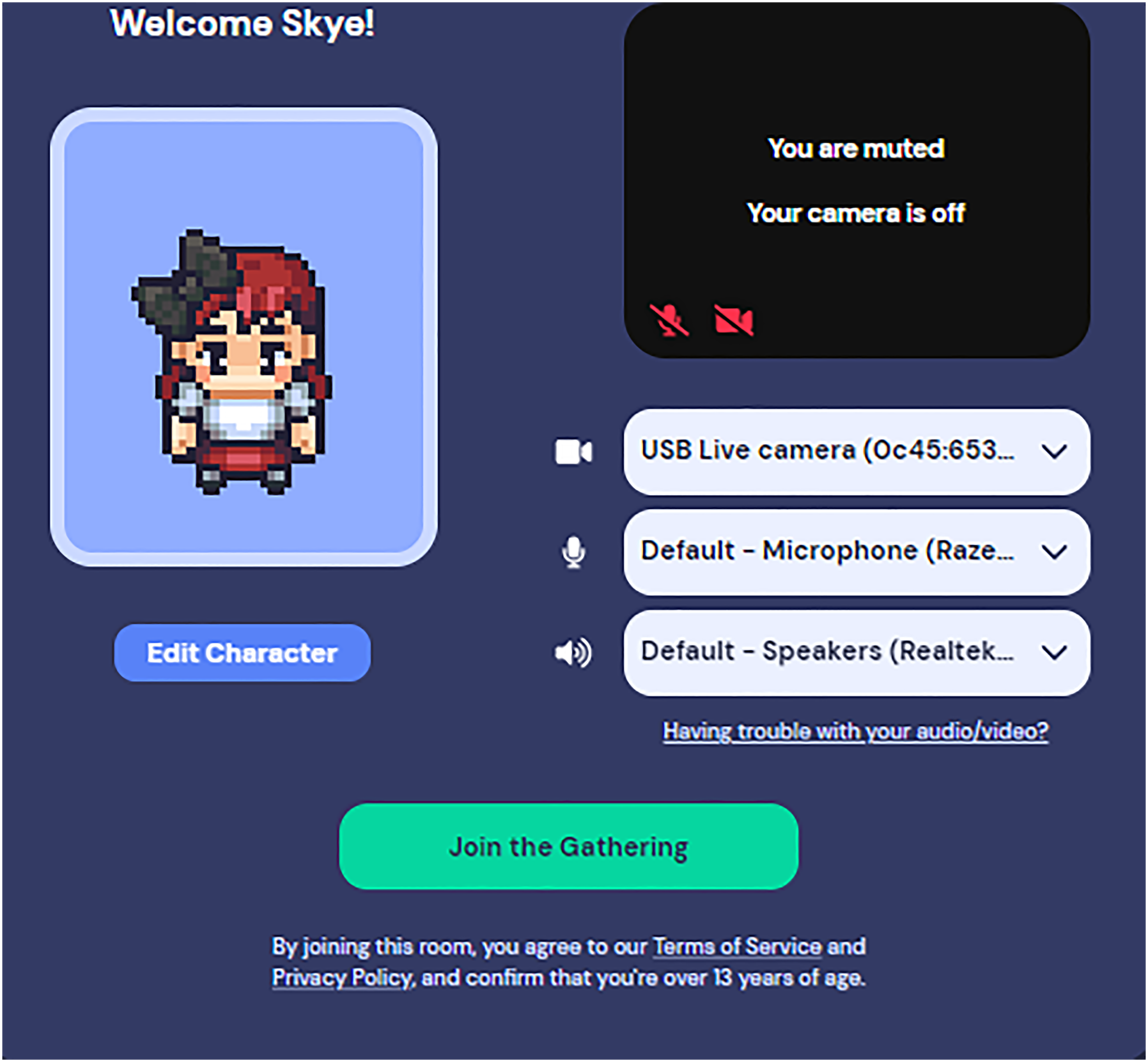
Participants in the space can choose and customize their own avatar prior to entering the map, providing a sense of personability to the learning environment (screenshot taken from Gather. Town, 2021 [https://gather.town]).
Students can see and interact with each other’s avatars by moving within the 2D virtual environment. In close proximity, the VC feature activates enabling users to see and hear each other, as well as to share screens. Upon distancing, this VC feature partially disappears resembling a real-life scenario allowing language learners to practise everyday language, such as conversation openers, etc. Students can also engage with multimedia resources in the virtual environment collaboratively, such as watching a video, or co-creating or co-playing a piano piece. As a moderator, teachers can broadcast to all students (via a ‘podium’ object) to provide instructions and manage the pace of the lesson. Additionally, there is a chat function enabling teachers to share links and documents with all students, or only those they are in close proximity with. A detailed user instruction on how to explore the environment can be found at https://support.gather.town/help/movement.
Pedagogical Benefits
Gather.Town provides language teachers and learners with a gamified and informal online learning environment, facilitating both teacher-fronted and student-centred self-paced learning, as well as community building (McClure and Williams, 2021). The numerous maps and customizable objects enable teachers to pre-set a social scene (e.g. restaurants, hospitals, shopping malls) and create role-play scenarios for learners to practise their spoken language and social communication skills. This allows situated learning opportunities which are essential for developing students’ oral proficiency and communicative competence (Catalano, 2015; Harley, 1993). For example, teachers can design a hospital scene and assign students to be either ‘patients’ or ‘doctors’, and provide students with key medical vocabularies and phrases to practise; or alternatively a conference scene where students can create posters on a given topic. Here, students can be poster-presenters and/or part of the conference audience to ask questions to other presenters.
Gather.Town uses spatial-audio technology enabling learners to communicate with each other depending on the proximity of their avatars. This proximity-based VC feature promotes social interactions that resemble real-life conversations in an informal setting that are not possible with traditional, static VC software (e.g. Zoom, Google Meets, Microsoft Teams). This allows students to practise the conversation opener and experience various conversation topics within one virtual environment (Beins, 2016).
Limitations
Like any educational technology, Gather.Town has its limitations. The free version allows a maximum of 25 users at a time. Teachers who wish to host larger groups may incur additional costs or have to deliver multiple sessions. Currently, Gather.Town does not offer learning analytics, meaning that traditional methods such as external surveys must be used to obtain student evaluations. Furthermore, recording facilities are limited, and currently external software is required to facilitate screen-capture.
Conclusion
Gather.Town is an educational technology that combines 2D game features with proximity-based VC functionality. It allows language teachers to design a map and set a conversation scene with interactive games and multimedia materials which provides learners with an informal and gamified learning experience to promote the development of VLCs. This is a promising application for language teaching and for researchers who are interested in educational technologies.
